
Billing & Trial
How the trial and billing work
How LeadWinner billing works: the free 7-day trial, usage-based pay-per-lead pricing, invoices, and managing your subscription — everything in one place.
The free trial
Your trial starts when you activate your first business — click “Activate free trial” on the business card, add a payment method, and the AI starts answering your leads. The trial is free for 7 days, secured by Stripe, with no charge on day one. A payment method is required to start; you can cancel anytime during the trial from the billing page.
When the trial ends, your plan continues on the payment method you added.
How billing works
LeadWinner billing is usage-based — you pay based on the number of leads processed. Your Billing page shows your current usage, so there are no surprises: quiet week, smaller bill.
Current rates are on our pricing page. Prices are shown without tax: where sales tax applies, it is calculated from your billing address and shown as a separate line on your invoice.
Managing your billing
Open Dashboard → Billing and click “Open Customer Portal.” The secure Stripe portal is where you can:
- Update your payment method.
- View invoices and payment history.
- Cancel your plan — anytime, no commitment.
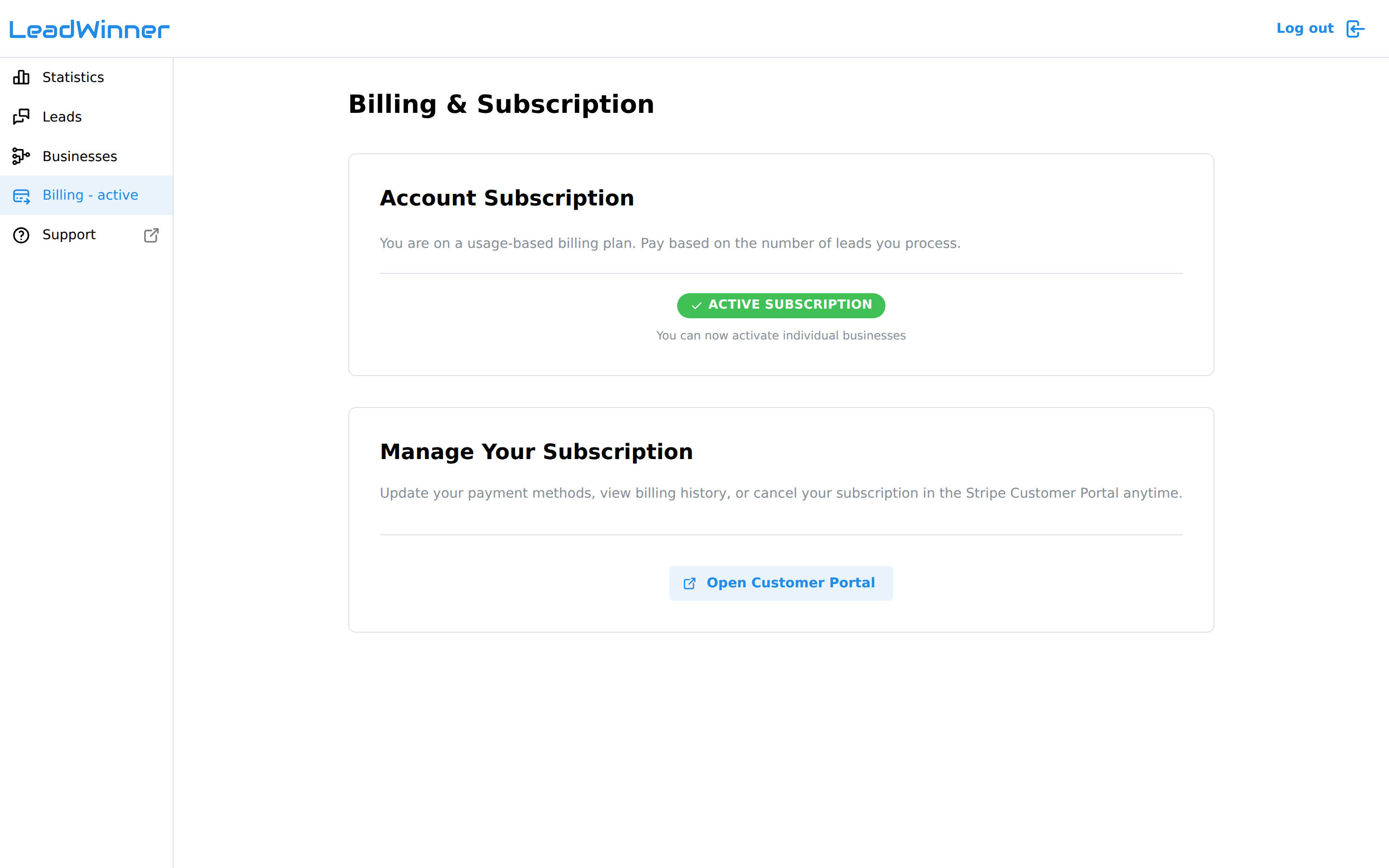
The Billing page also shows leads processed in the current period.
Common questions
What happens when the trial ends? Your plan continues on the payment method you added. If you don’t want that, cancel from the billing page anytime during the trial.
Will I be charged on day one? No. The trial is free for 7 days; billing starts only after it ends.
How do I cancel? Open Dashboard → Billing → “Open Customer Portal” and cancel there — anytime, no commitment.
A payment failed — what happens now? Your account shows “Account Paused” and businesses stop responding. Update your payment method in the Customer Portal to reactivate — everything resumes where it left off.
A charge looks wrong. Contact support — include your account email, and we’ll sort it out.